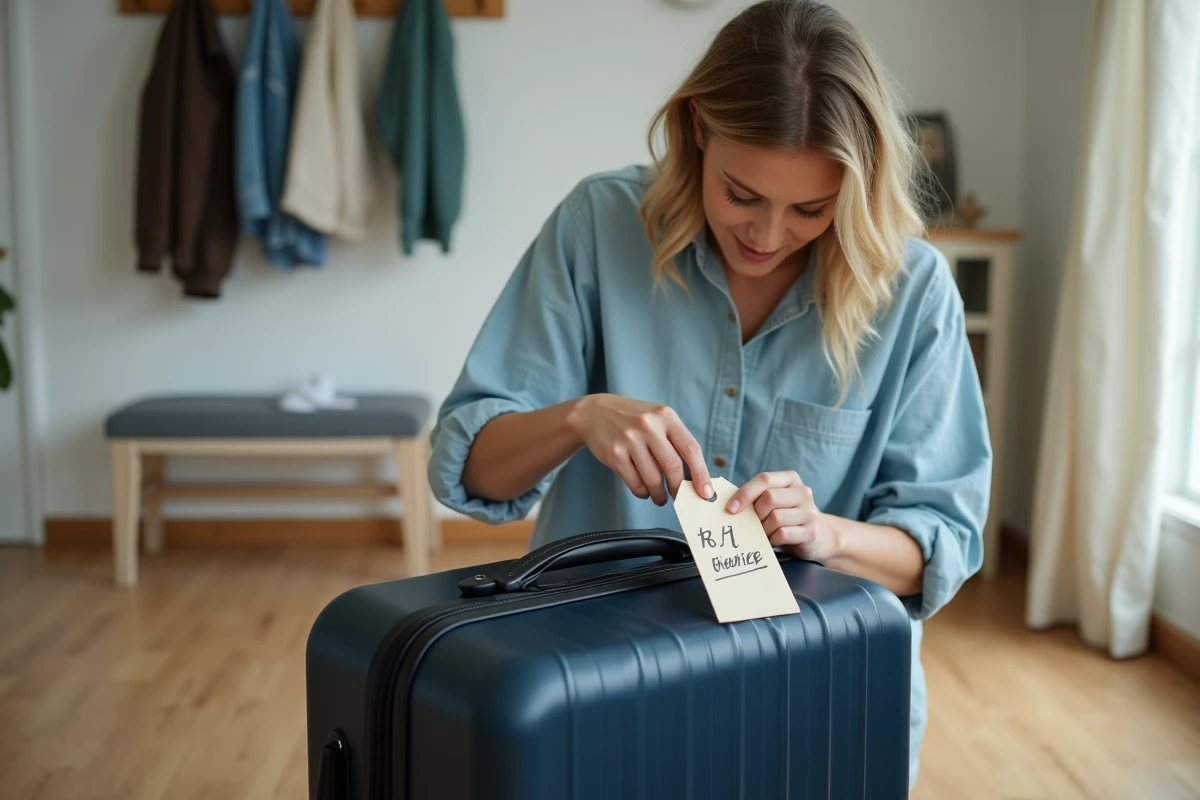
A suitcase label template in PDF format is only valuable for its compatibility with the requirements of carriers. Before downloading the first template you find, we recommend checking three technical parameters that determine whether the label will be accepted at the counter or at the automated drop-off: the cutting format, the weight of the material, and the readability of any barcode.
Technical specifications of a usable PDF suitcase label
A self-printed baggage label must adhere to a precise template to withstand handling in the hold. The most common format remains the rectangle of 90 x 50 mm, folded in half and slipped into a rigid label holder, or perforated to be attached with a tie.
The weight of the paper determines durability. Standard office paper tears at the first transfer on the conveyor belt. We recommend a cardboard paper of at least 200 g/m², or alternatively, lamination after printing. Self-adhesive laminating films sold in stationery stores provide sufficient rigidity for a round trip in the hold.
In terms of resolution, the PDF must be generated in vector format or at a minimum resolution of 300 dpi. A pixelated file renders the information unreadable after printing, which defeats the purpose of the document. The templates offered as printable suitcase labels in PDF on 1001 Découvertes incorporate these resolution and cutting format constraints.
- Cutting format: 90 x 50 mm minimum, with visible folding or perforation marks on the PDF
- Recommended weight: thick cardboard paper, laminated if possible, to resist moisture and friction
- Resolution: 300 dpi or vector, to ensure readability of characters even in small sizes
- Writing area: pre-formatted fields for name, first name, address, phone number, and email address
PDF baggage label and airline compatibility
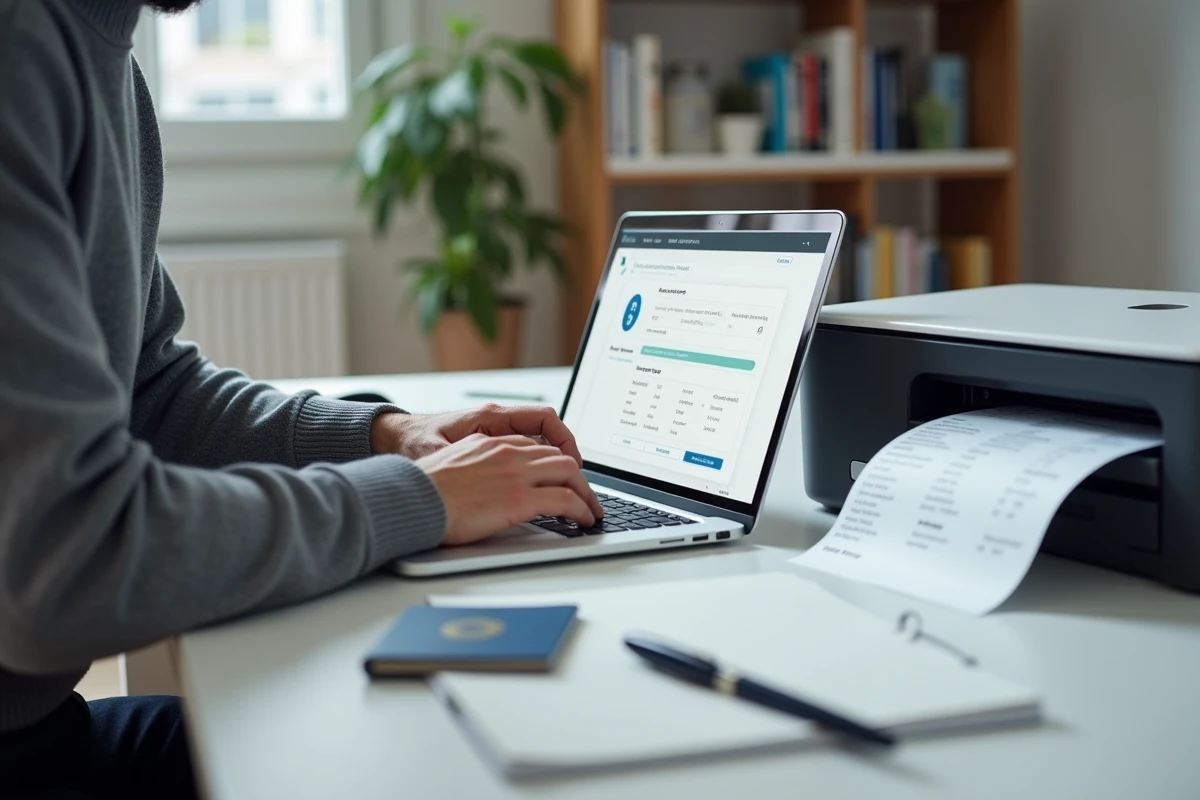
European airlines have generalized the printing of baggage labels at home since 2023. Air France, KLM, Iberia, and Lufthansa (at certain airports) offer this option during online check-in, at the time of boarding pass issuance.
These airline labels do not replace the personal name label. The label issued by the airline contains a tracking barcode linked to the flight. The name label, on the other hand, carries your contact information and allows you to be identified in case of loss. The two are complementary.
For SNCF, no printed label is required on carry-on luggage. However, a readable label remains useful on bags placed in the luggage compartments of TGVs, where mix-ups between travelers are common.
Case of automated drop-off kiosks
Airports equipped with automated baggage drop-off kiosks read the airline label’s barcode via a scanner. If you print this label at home, the barcode must be clear and not folded in the scanned area. A fold crossing the barcode is enough to cause a rejection by the kiosk and a referral to the traditional counter.
We observe that matte paper produces better results at the scanner than glossy paper, which generates reflections under the kiosk lighting.
Digital suitcase labels and digital bag tags
Since 2022, several companies have been testing dematerialized baggage labels integrated into Apple Wallet or Google Wallet. The Lufthansa group and Singapore Airlines have launched trials of digital bag tags containing a QR code that can be read directly from the phone.
This evolution does not yet render the printed PDF obsolete. The majority of airports do not have readers compatible with these digital formats. The paper bag tag remains the standard accepted everywhere, including in regional airports or outside Europe.
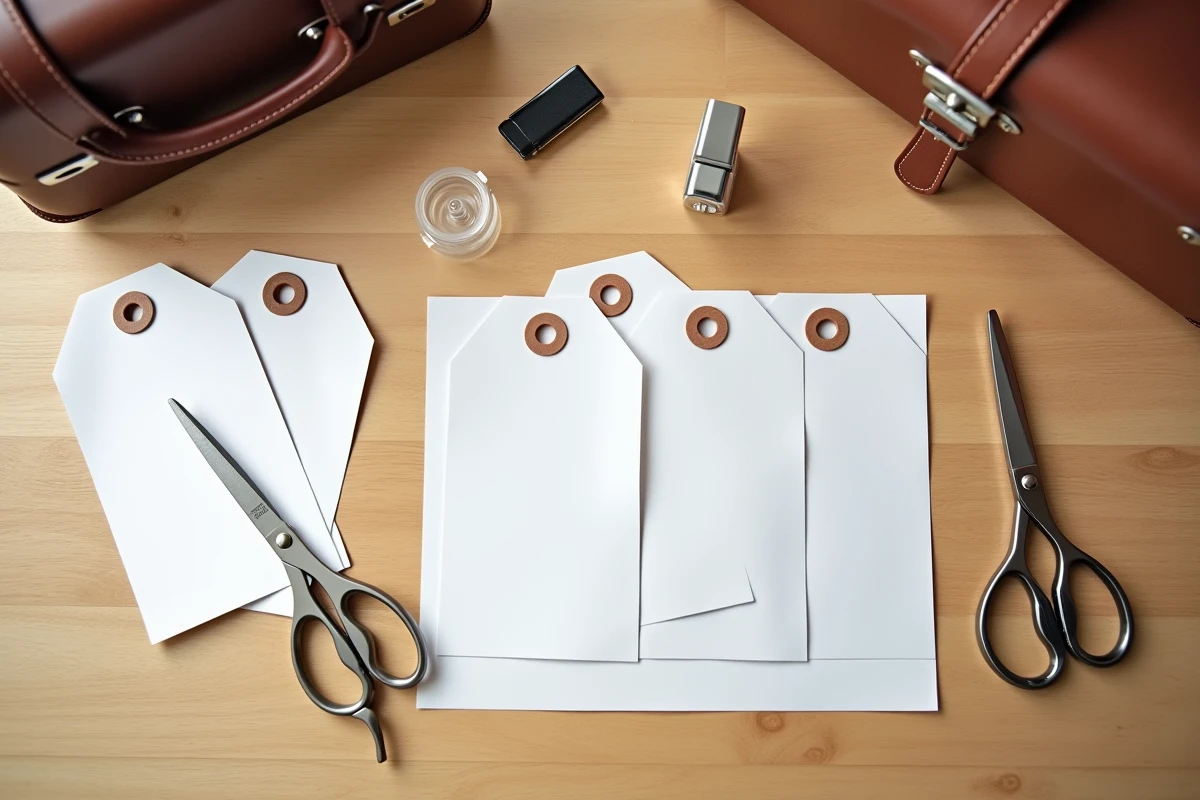
For a regular traveler, downloading a batch of blank PDF templates and storing them on their computer remains the most reliable solution. A PDF file does not depend on a connection or a compatible digital wallet.
Protection of personal data on a suitcase label
Displaying name, postal address, and phone number on a label visible to all poses a privacy issue. Since the increased media coverage of the risks related to GDPR, suitcase label templates now incorporate foldable flaps that conceal contact information.
This approach is preferable to the classic open label. On a printable PDF label, the flap is represented by an additional folding area that covers personal information once the label is assembled.
- Prefer a model with a foldable flap to conceal the address and phone number
- Provide an email address rather than a complete postal address, sufficient for being contacted
- Add an international dialing code if the trip is outside the metropolitan area
Fields to prioritize
The name and a means of contact are sufficient in most cases. The complete postal address is not required by airlines on the personal label. A phone number with an area code and an email address allow for quick retrieval in case of lost luggage.
Some PDF templates offer a “destination” or “flight” field: this field is useful for checked baggage, less so for a carry-on bag. Adapting the information to the type of luggage avoids overloading the label with unnecessary data.
The PDF format remains the most practical for archiving and reprinting suitcase labels for each trip. A well-designed template, printed on cardboard paper and laminated, will withstand several round trips without degrading, making it significantly more durable than a flexible label distributed at the counter.